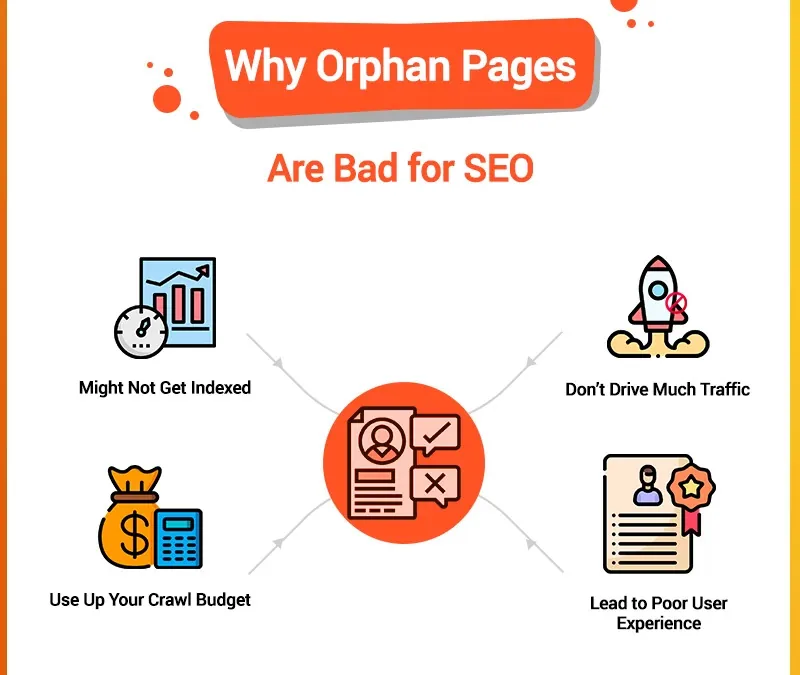
Orphan pages are pages that no other page on your website links to. They are a quiet SEO problem: because nothing links to them, search engine crawlers may never discover or index them — which means they cannot rank, cannot bring in traffic, and cannot help the Hawaii customers searching for what you offer. Making sure every page is properly linked is basic site hygiene, and it is one of the first things we check when auditing a Hawaii business website.
What an Orphan Page Is
An orphan page is a web page with no internal links pointing to it. It is not reachable through the navigation menu or from any other page on the site. The only way to land on it is to already know the exact URL or to arrive from an external source. As far as a crawler following links is concerned, the page may as well not exist.
Orphan Pages vs. Dead Pages
Both are pages no other page links to, but they differ in history. A dead page used to be part of the site and was removed or deleted. An orphan page was never linked in the first place — either it was created that way, or the links pointing to it were stripped during a redesign or content move.
Why Orphan Pages Exist
- The page was created intentionally to be reached only by direct URL.
- The page was linked at one point, but the links were removed (common during a redesign or when content gets relocated).
- The page was created by mistake and never linked — easy to do when a CMS generates pages automatically or when someone forgets to add the links.
Why They Hurt Your SEO
Crawlers discover content by following links from page to page. A page with no inbound internal links is invisible to that process, so it never enters the index and never appears in search results. Orphan pages also create a poor experience for any visitor who does land on one: with no links to follow, they hit a dead end and leave. For a Hawaii business, that is wasted content and a wasted chance to convert a local searcher.
Finding Every Orphan Page
- Build (or pull) a sitemap of your site — a full list of pages and the links between them.
- Run a crawler such as Screaming Frog to follow every internal link and flag pages nothing points to. Comparing the crawl against your sitemap reveals the orphans: pages that exist but that the crawl never reaches.
Fixing Them
- Review each orphan's content. If it is outdated or no longer useful, retire it (and redirect the URL if it has any history).
- If the content is still valuable, add internal links to it from relevant pages — and place it correctly in your site's structure (this is where a silo approach pays off).
- Update and resubmit your sitemap so search engines re-crawl and index the now-linked pages.
- Test the new links to confirm they work.
Fixing orphan pages is part of keeping a Hawaii website healthy and fully indexed — every page properly connected, nothing stranded. If you are not sure what is orphaned on your own site, that is exactly the kind of thing a Hawaii SEO audit surfaces.